AI CRM updates
Automate CRM filling after every call
Our AI agents capture the every key detail and push it into your CRM.
Sales reps sell. Managers forecast on what's actually happening.
Your CRM has lost touch with reality.
Relying on what your reps remember to log?
A missed detail, a misheard word, an incomplete entry : the data never makes it into your CRM.
Forecasting on incomplete data?
Every missing detail in your CRM is a blind spot : pile them up, and your forecast becomes guesswork
Inconsistent data entry across your team?
MEDDIC, SPICED, BANT : your reps know which signals to capture in a call. Not how to log them in your CRM.
With Modjo AI: zero manual entry, full CRM coverage.
Sales Reps sell. Modjo handles the rest.
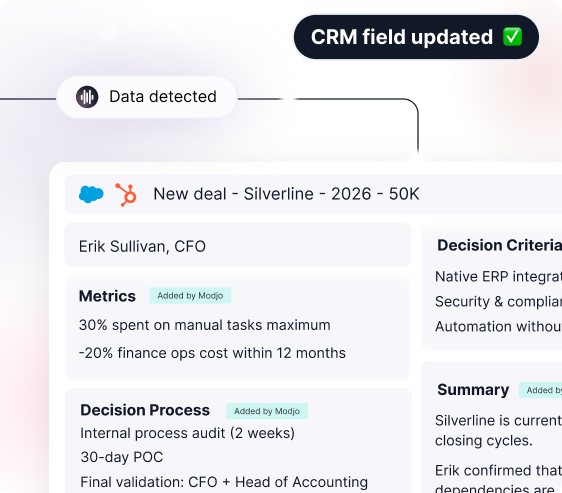
After every call, Modjo analyzes the transcript and pushes the data into the right CRM fields. Your reps move on to the next conversation, without ever touching the CRM.
.png)
Data that mirrors what's happening in the field
Modjo AI fills your CRM fields automatically: no human interpretation, no missed data, no bias. Managers run pipeline on a precise, accurate view of every opportunity.
Qualification, churn, upsell: captured, never entered
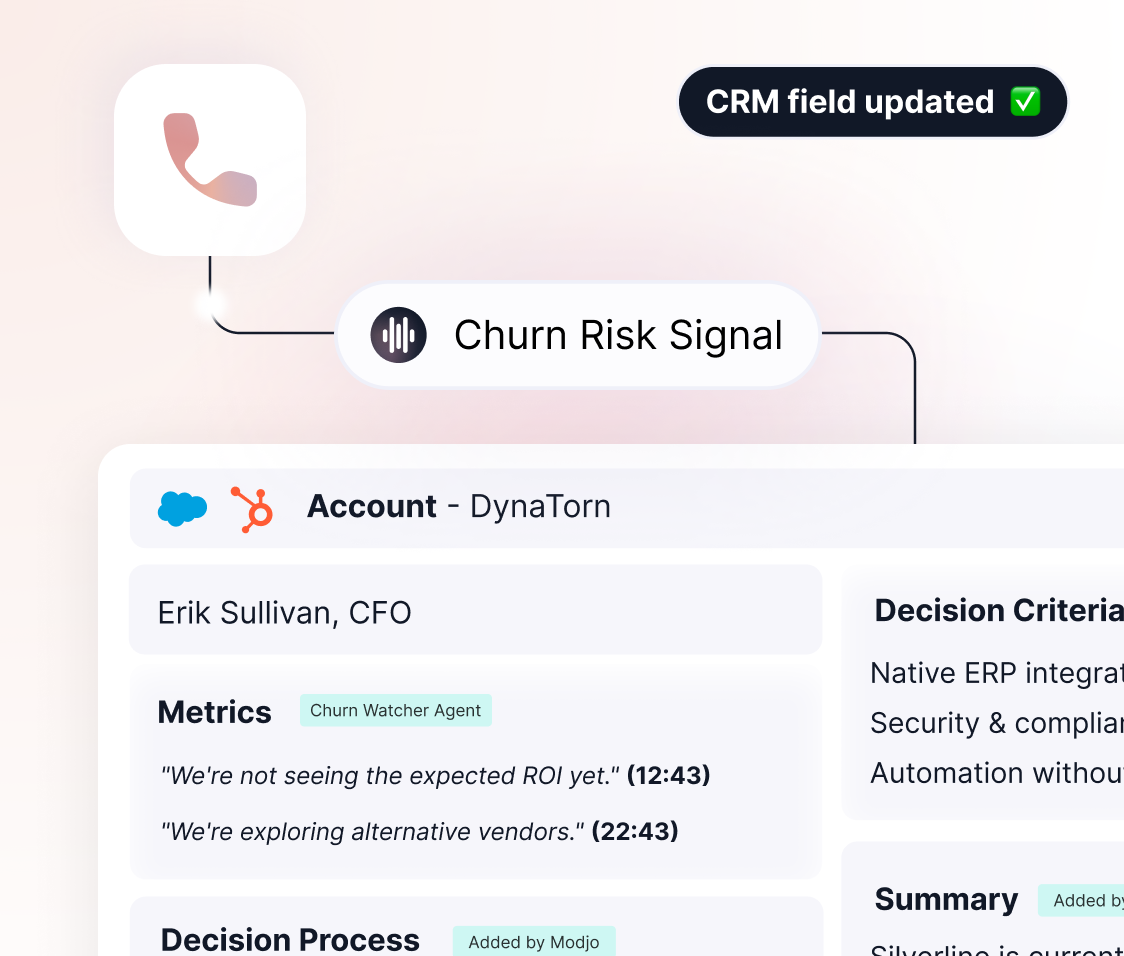
Every conversation surfaces what reps don't always log: a qualification signal, a churn warning, an expansion lead. Modjo AI agents catch each one and push it into the right CRM fields. Nothing critical falls through the cracks.
Modjo allows us to automate the passing of opportunities between teams. Each sales person saves 2h30 per week and the processing of sales opportunities is more efficient!
Modjo allows us to automate the passing of opportunities between teams. Each sales person saves 2h30 per week and the processing of sales opportunities is more efficient!

Victor Crépel
Sales Ops
@Playplay
Move faster. Close more deals.
Built to fit your stack. Not the other way around.
Native integration with Salesforce and HubSpot.
A direct connection to your CRM. Data flows into the right fields and the right objects, and follows your existing validation rules.
.png)
All your CRM objects, custom included
Contacts, accounts, opportunities, and all your custom fields. Your CRM architecture stays untouched, no setup required on your side.
.png)
Auto-fill or human validation. You choose.
Some fields deserve a human check before they're sent. Others go straight into the CRM, Modjo AI agents adapt to your level of control.
.png)
CRM hygiene under control.
For Operations and CRM teams: full visibility on field coverage rates, structural gaps surfaced, fields awaiting validation tracked. Optimize your data model without depending on every rep's manual input.
.png)
FREQUENTLY ASKED QUESTIONS
How is this different from my CRM's native AI?
If your CRM comes with built-in AI, it can only work on the data already in the system. Modjo's AI agents step in earlier: they create the data from your customer conversations. Without Modjo, your CRM can only act on what your reps had time to log.
Does my data ever leave my environment?
No. Your customer conversations stay in your environment. Modjo is SOC 2 certified and GDPR-compliant: your data is hosted in Europe, encrypted in transit and at rest, and never used to train third-party or external models.
What happens if the AI pushes incorrect data into my CRM?
First, you decide which fields are filled automatically and which go through human validation. You keep control over critical information (deal value, closing date, qualification stage) based on your usual workflow. Every update made by Modjo is logged: your teams can audit at any time what Modjo wrote, where, and based on which signal, and quickly fix the source.
Which CRMs does Modjo natively integrate with?
Modjo's AI agents are natively integrated with Salesforce and HubSpot. Data lands in the right objects and the right fields, following your existing validation rules and the constraints of your custom fields. For other CRMs, Modjo connects via API or MCP through our integration partners. No data migration, no architecture overhaul, Modjo adapts to your stack.
How long until we're up and running?
The first automated CRM updates start within the first week of use, after field configuration and CRM connection. Full rollout across a team typically takes 2 to 4 weeks, with dedicated support. No heavy IT project required, your CRM admin can run it internally.
